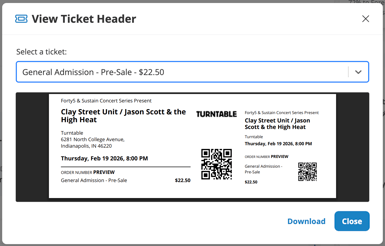
If you need to share a preview of a ticket with your team, artists, or any other stakeholders, you can now do that from any event.
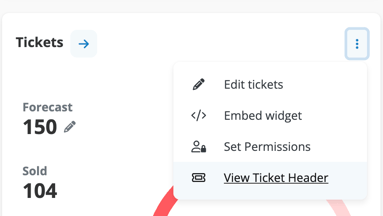
Once the event is confirmed, navigate to your ticketing widget, hit the options in the top right corner of the widget, then select "View Ticket Header"
This will launch a pop-up modal where you can preview each ticket type and download it as a pdf.