
Inside of your marketing suite, you can now create account-wide templates, or Blueprints, for broadcasts.
Instead of duplicating the same broadcast over-and-over again, you can now save a template that can be referenced for building new broadcasts.
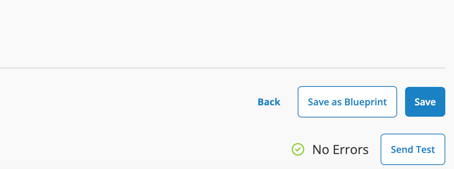
When building your email, select "Save as Blueprint" in the top right of your screen.
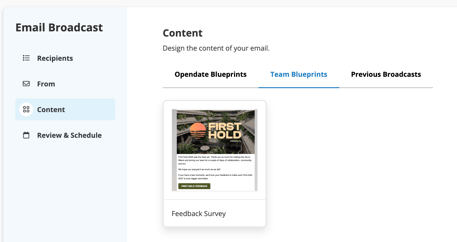
Then, when building any new Broadcast, you'll be able to navigate to "Team Blueprints" and select from your saved templates there:
This means you don't need to start every email from scratch.
Using a combination of Blueprints and the Opendate email widget, broadcasts can be created in minutes, not hours.