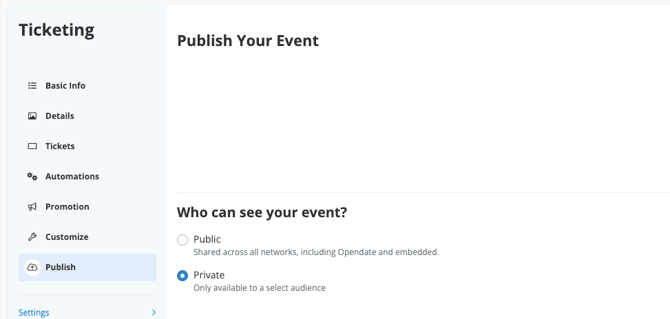
In the Edit Tickets section of your event, publish the show to private:
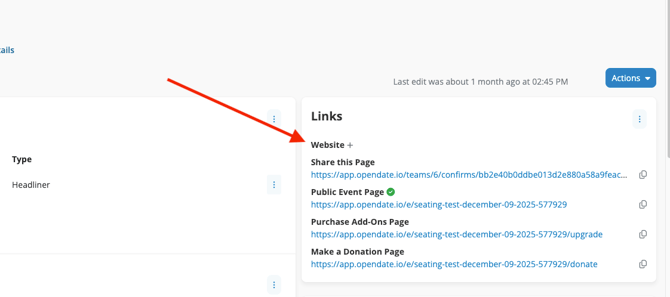
Within 5 minutes, a URL will appear in the Website field of the event dashboard. This link is published to your website and can be shared internally - the event will not appear on your website's home page or events page until the show has been published publicly.